Recepieplanning
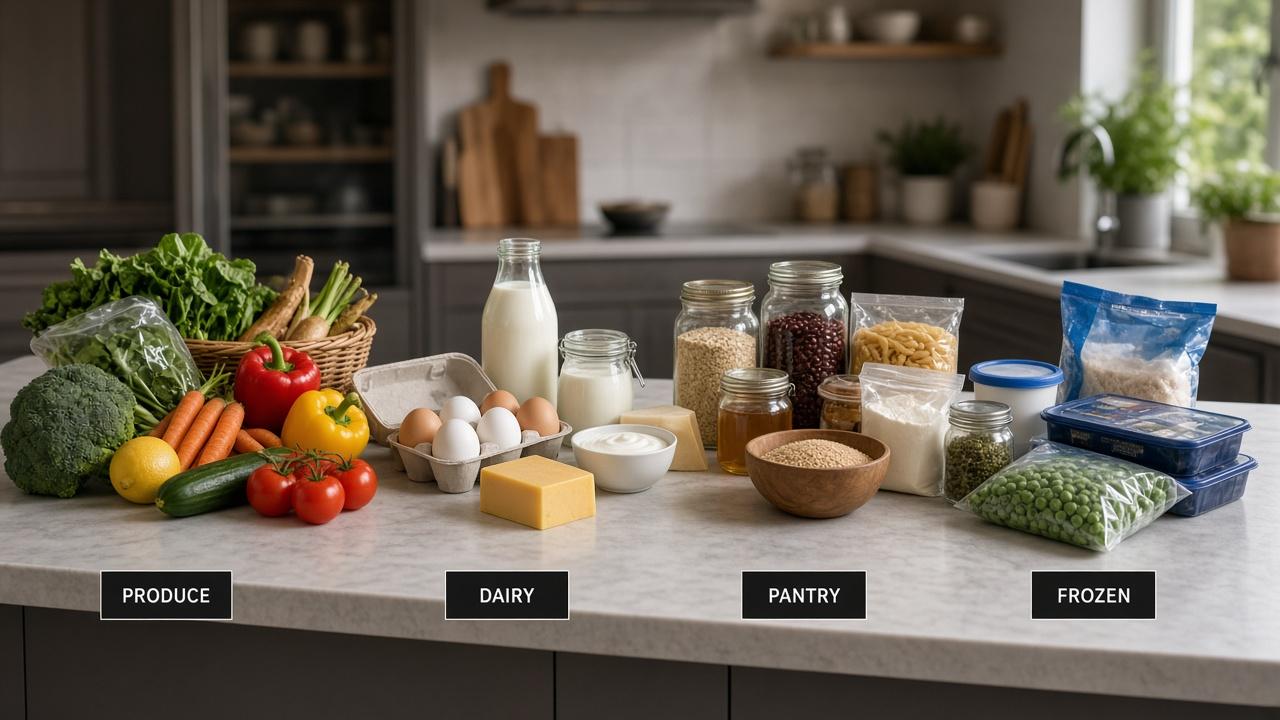
A meal planning grocery list by aisle is the last mile of planning. You already chose dinners — how to meal plan. Now sort the merged ingredients so the store has a route: produce, meat, dairy, pantry, frozen. That is how you cut time and impulse snacks. The money habits live in how to build a grocery list that saves money.
Build the list in three passes
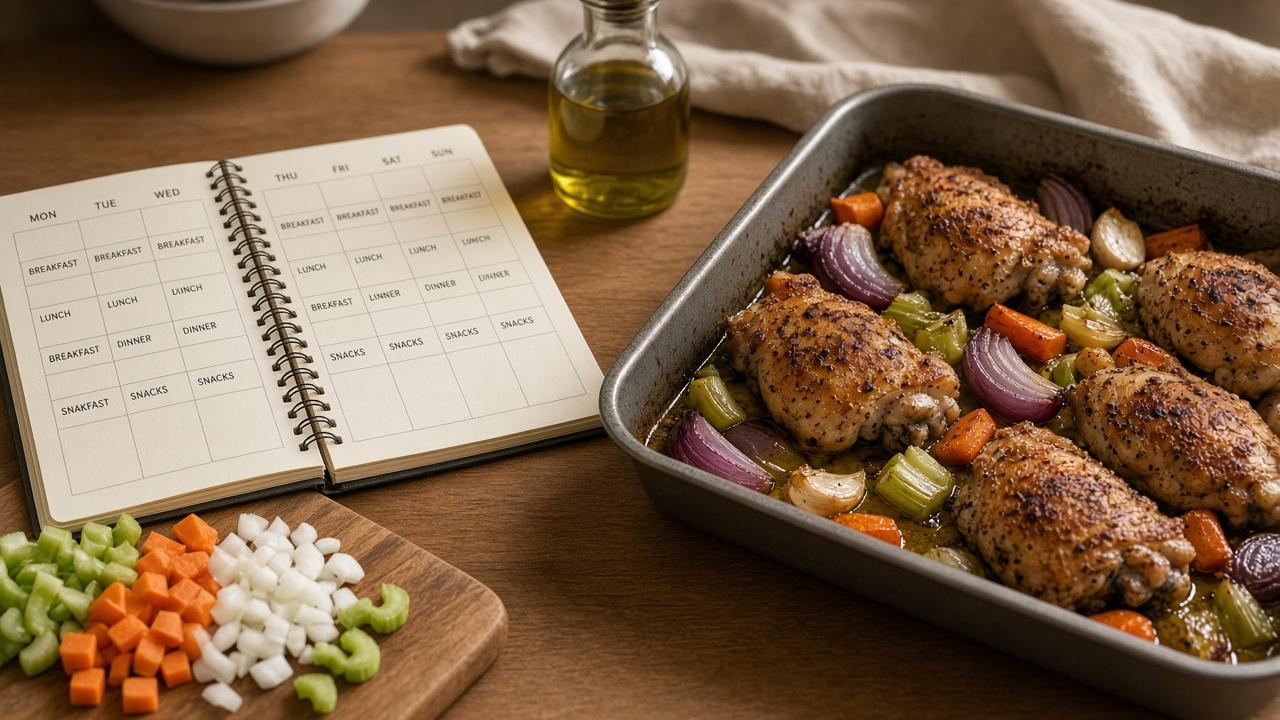
- Meals → ingredients (every dinner on the week)
- Merge duplicates (one onion line, not three)
- Sort by aisle to match your usual store
Shared ingredients first
If the week was built with overlap — shared-ingredient meal planning — the aisle list stays short on purpose.
A simple aisle template
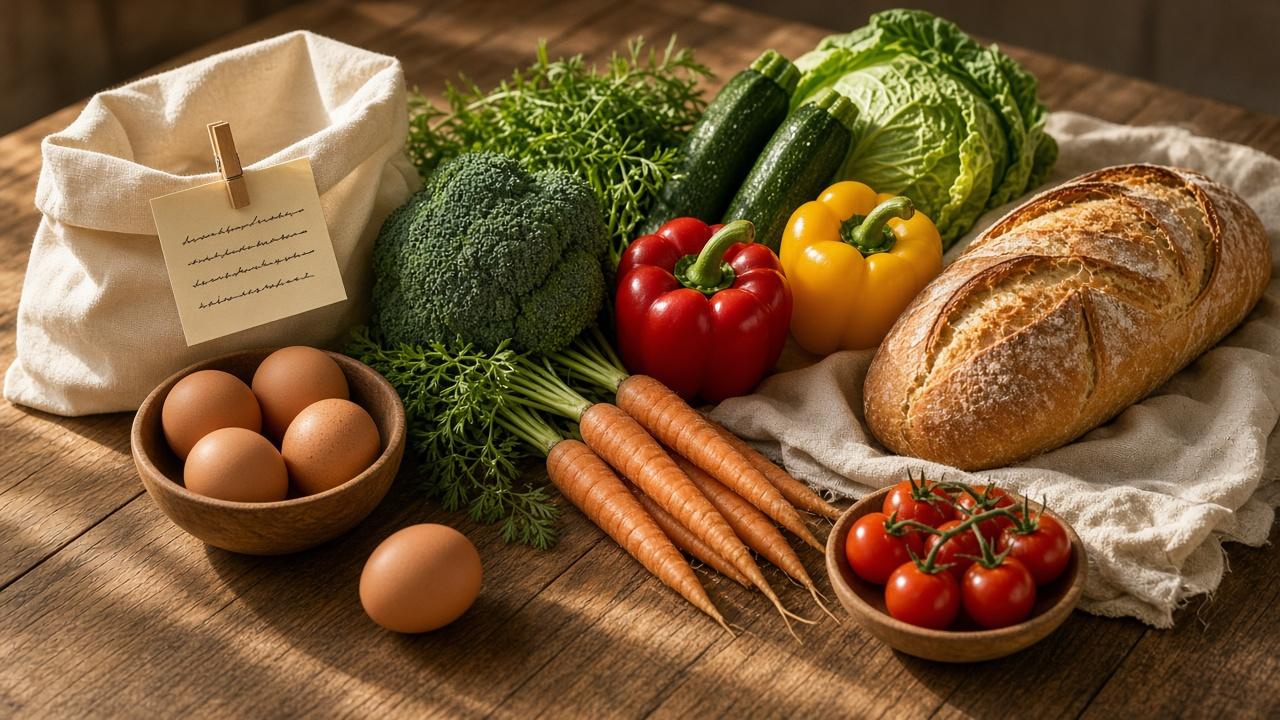
- Produce: onions, greens, lemons, tray vegetables
- Meat / seafood: only what the nights name
- Dairy / eggs: milk, yogurt, cheese, eggs as needed
- Bakery: bread or tortillas if planned
- Pantry: rice, pasta, cans, oils, spices you lack
- Frozen: vegetables, backup protein
Cross off pantry stock before you leave. Aisle sorting does not help if you rebuy cumin every week.
Store-run rules
- Shop the list top to bottom; do not wander the middle aisles “for ideas”
- If it is not on a dinner night, it is not on the list
- Hungry shopping gets a snack from the list, not a cart rewrite
When dinners change, rebuild the list — stale items are waste. Pull meals from the recipe library, then sort once.

Merge the week, then walk the store.
Recepieplanning turns filtered dinners into one list — ready to sort by aisle.