Tastenexa
Meal planning for busy people: the 20-minute system
Busy people do not need a more inspiring plan. They need a 20-minute slot that ends with dinners and a list, even on a bad week.
Meal planning for busy people fails in a specific way. You mean to do it. You open a recipe site with a full inbox still in your head. Forty minutes later you have twelve tabs and no dinners. The week then decides itself at 6:30, which is the expensive way to eat. The fix is not more motivation. It is a system that fits in twenty minutes and still works when you are tired.
Those twenty minutes are for deciding, not for cooking. Cooking stays inside a weeknight cap — the reasoning is in the 30-minute dinner rule. Planning is a separate appointment. If you have never planned at all, the longer beginner walk-through is how to meal plan for the week. This is the compressed version you can run on a week when twenty minutes is the whole budget.
Set a timer before you open anything
The timer is the system. Without it, “quick planning” expands until it is another chore you avoid. Put twenty minutes on the calendar, silence the extra tabs, and move through the same five beats every week. You are not allowed to browse for inspiration during this slot. Inspiration is how the timer dies.
- Minutes 0–3: the calendar. Cross off nights you will not cook. Late meetings, travel, dinner out. What remains is the plan. For most busy weeks that is three or four nights.
- Minutes 3–8: fill those nights from a rotation of meals you already know how to cook. Not from a search box.
- Minutes 8–14: write the grocery list from those meals only. Merge duplicates. Check the pantry for the staples you keep rebuying.
- Minutes 14–18: one overlap pass. If two meals do not share anything, swap one of them for a meal that uses the herbs, bread, or protein you are already buying.
- Minutes 18–20: one prep note. Thaw this. Wash that. Start the rice before you open your laptop tomorrow. Then stop.
A finished list of four ordinary dinners beats an elegant plan you did not finish. You can swap a meal later. You cannot shop a plan that still lives in a tab.
Build the rotation before you need it
The 20-minute system only works if the menu already exists. Spend one quieter half hour, once, writing ten meals you can cook without a recipe in front of you. Include two that are almost embarrassingly easy: eggs, a sandwich night, a frozen backup you are willing to call dinner. Those are not cheating. They are how busy weeks stay fed.
Guardrails belong on that list so you do not re-decide them every Sunday. Diet style, allergies, and the ingredients you will not eat. If you are still picking a style, do it outside the twenty minutes, using how to choose a diet style that sticks. Inside the slot, the style is already chosen.
- Four weeknight meals under 30 minutes.
- Two leftover or pantry meals that use what the other nights bought.
- Two “barely cooking” meals that still count as the plan.
- Two weekend meals you only pick when the calendar is kind.
A default week you can copy
When the week is a blur, do not design a new one. Drop this shape onto the open nights and change only the titles.
- Night 1: A sheet-pan or one-pan meal. Protein, a vegetable, a starch. Minimal chopping.
- Night 2: Tacos, wraps, or bowls using part of night 1’s protein if you cooked extra.
- Night 3: A planned leftover or fried-rice style remix. This is also your waste control. See how to stop food waste.
- Night 4: Eggs, beans, or the frozen backup. You are allowed to be done.
If a household is involved, keep the base shared and the toppings flexible. The longer version is family meal planning. Do not add a second cuisine inside a twenty-minute planning slot. You do not have the time, and nobody needs the performance.
Shopping is part of the twenty minutes
A plan that ends without a list will be re-decided in the store. Write quantities roughly, group the list by aisle, and delete anything you already own. The money you save is mostly the trip you do not take on Wednesday. That is the same point as how to build a grocery list that saves money, compressed for people who will not read a second system.
Shop once, with the list, even if the shop is a twenty-minute grocery run of your own. Two “quick” stops cost more time than one list. If you truly cannot get to a store, plan from the pantry on purpose: pasta, eggs, canned fish, frozen vegetables, rice. A pantry week is a valid output of the slot. An accidental pantry week at 7 p.m. is how people decide planning does not work.
A list in a notes app you forget is not a list. Pin it, print it, or use a planner that opens to the shop. The last minute of the twenty is “where will I look at this in the store?”
What to do when the week changes
Busy weeks change. A meeting appears. A child gets sick. You get home later than the recipe assumes. The system needs a swap, not a restart. Replace a meal with another meal from the rotation that uses food you already bought. If you no longer need an ingredient, eat it inside the leftover night or freeze it. Do not punish yourself by replanning from zero. Replanning from zero is why people stop.
Keep a single “reset meal” that uses almost anything: a grain bowl, a tortilla, an omelet. When the day explodes, that meal is already allowed. You are not off the plan. You are on the line you wrote for this exact kind of day.
Where an app beats a blank note
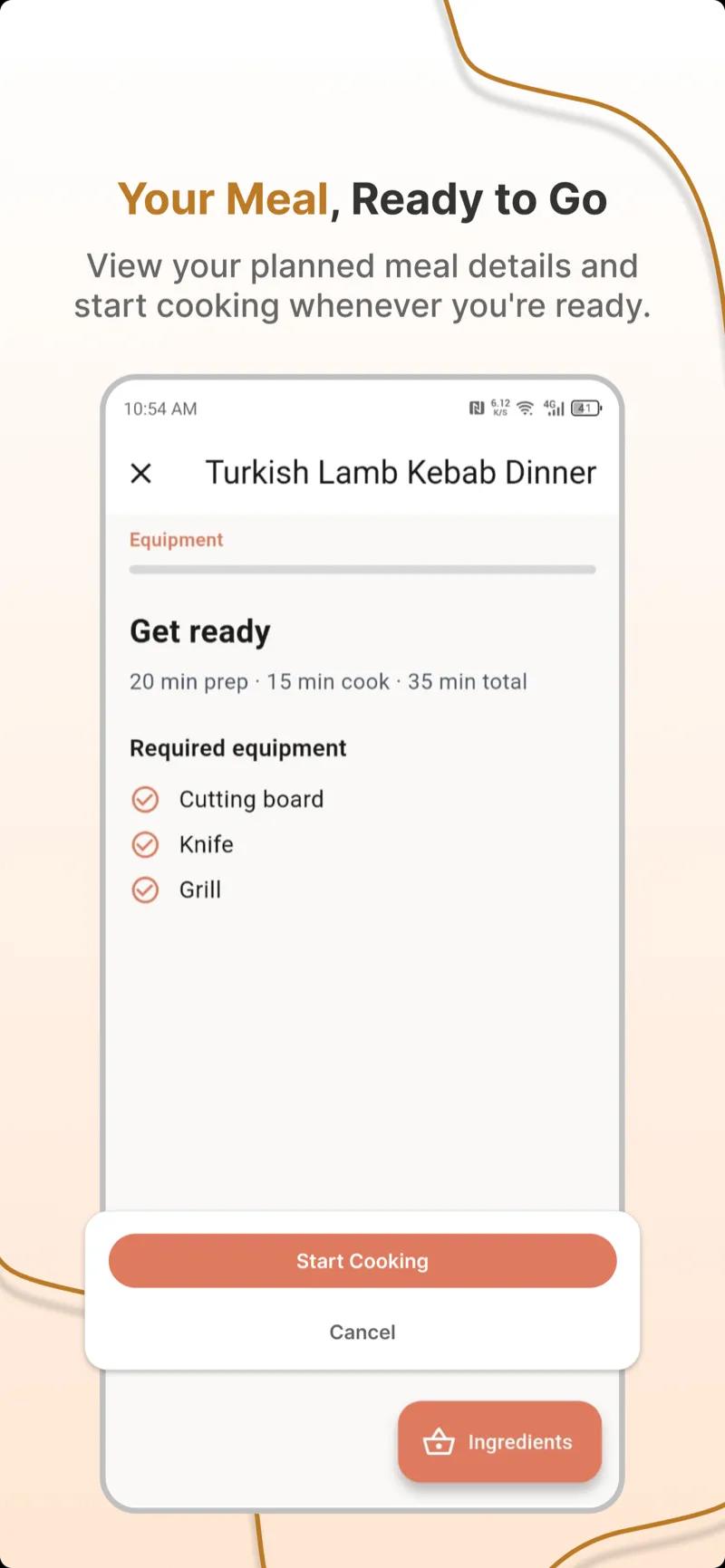
Paper can hold a rotation. It cannot remember every allergy, merge three onion quantities, or refill next week from the same constraints without you retyping it. If you want the twenty minutes to be editing instead of inventing, use a planner that drafts the week and lets you swap. The criteria are in what to look for in a free meal planning app. The habit of opening it is the same one described in how to use a weekly meal planner you’ll stick to.
Do not adopt a tool that asks you to log every snack. That is a second job. The job is dinners and a list.
Mistakes that eat the twenty minutes
- Searching for new recipes inside the slot. New recipes are a separate, optional activity. Not this timer.
- Planning seven nights when you will cook three. The other four become guilt and wasted food.
- No easy meal on the list. The first hard night deletes the habit.
- A plan with no list, or a list you leave at home.
- Waiting for a free Sunday. Busy people do not get a free Sunday. They get twenty minutes, and only if it is on the calendar.
Run it once this week
Set the timer today. Cross off the impossible nights. Drop four meals from the rotation onto the rest. Write the list. Shop. Cook the first easy one even if the meal is “just” eggs and a vegetable. The system is proven when dinner did not require a decision at dinnertime.
Next week the rotation is shorter to use, because you will remember what you skipped. That is the whole improvement loop. If you would rather start from a draft, generate the week, delete what you will not cook, and spend the twenty minutes on the list. The recipe library is for the one new meal you add outside the timer, when you actually have the curiosity.