Tastenexa
What to look for in a free meal planning app
A free meal planning app is worth keeping when it decides the week faster than you can, and tells you the truth about what “free” includes.
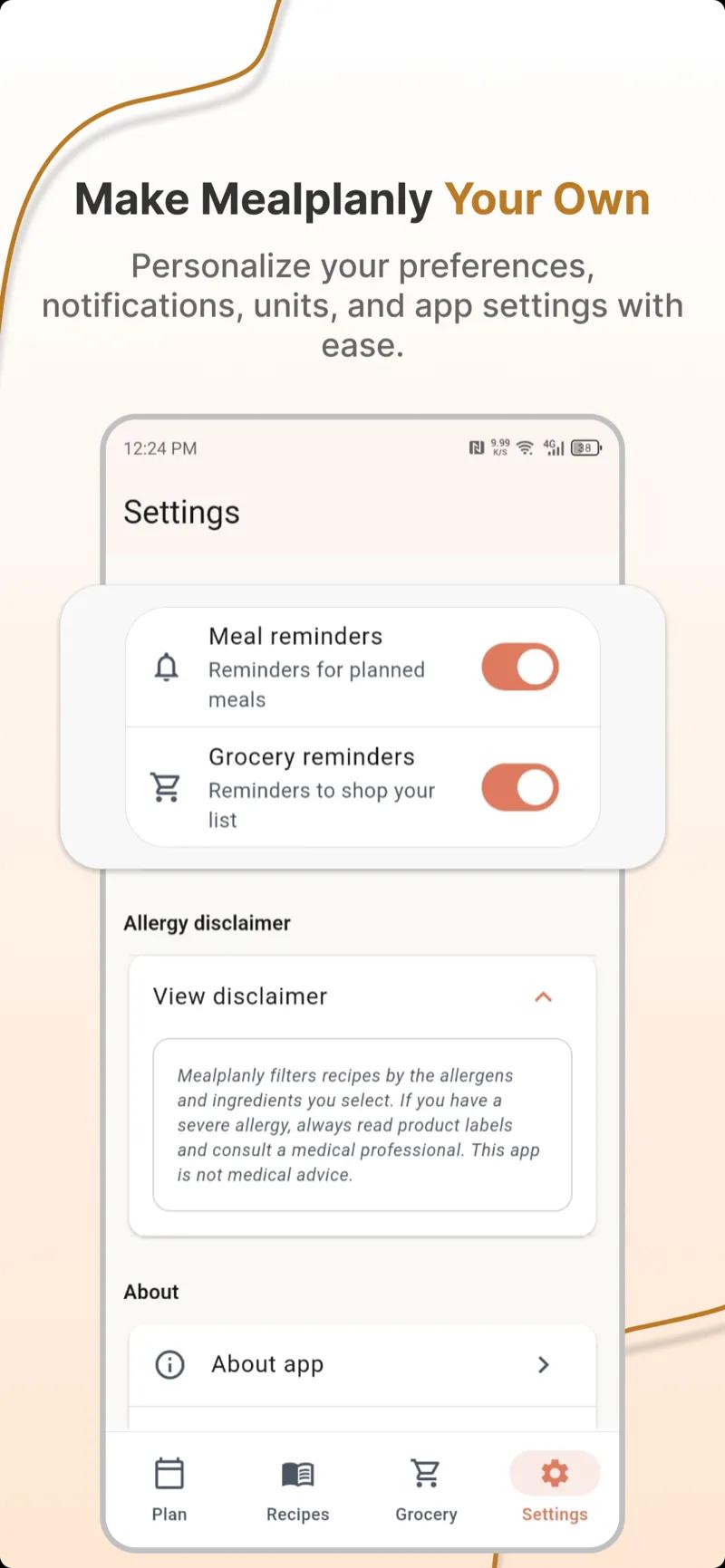
Search for a free meal planning app and you will get a crowd: recipe boxes, grocery-list tools, calorie diaries, and planners that generate a week. They overlap, and most of them will not do the Sunday job. The useful question is not “which name is popular.” It is whether the app does the job you actually avoid doing on Sunday: pick meals that fit your constraints, and turn them into one shoppable list.
This is a checklist, not a ranking of competitors we have not measured. Tastenexa is our app, so where we describe it, we describe what it does — free on iOS and Android, a weekly plan from your diet and allergies, a merged grocery list, no data collected. Use the same tests on any app, including ours.
Decide the job before you compare screenshots
Meal planning has a small number of jobs. If an app is brilliant at something else and weak at these, it will not replace the 6 p.m. decision.
- Choose meals that respect how you eat and how long you have.
- Remember exclusions — allergies and real dislikes — without you retyping them.
- Produce one grocery list with duplicates merged.
- Let you swap a meal when the week changes, without rebuilding everything.
- Be faster than a blank note. If it is not, paper wins. Paper is allowed to win.
The method behind those jobs is in how to meal plan for the week. An app should perform that method. It should not require you to become a project manager. How to keep the habit is in how to use a weekly meal planner you’ll stick to.
Filters have to happen before the recipe is chosen
The most important test is also the least glamorous. Set an allergy and a dislike. Generate a week. Read every ingredient. If a peanut sauce or a mushroom risotto got through, the filter is a suggestion, not a system. You will not check it carefully on a tired Thursday. That is the day the filter has to be right.
- Allergies are hard exclusions. Gluten, dairy, shellfish, nuts — whatever you mark should be absent, not “easy to leave out” in a note under the recipe.
- Dislikes deserve the same machinery. If you will not eat olives, the plan should stop offering them. Tastenexa lets you block up to 119 ingredients for this reason.
- Diet style should narrow the week before you browse. Vegetarian, keto, and the rest are different shops. The thinking is in how to choose a diet style that sticks.
- A time cap belongs in the filter. A “quick” dinner that takes an hour is how busy people delete the app. We use a 30-minute standard, explained in the 30-minute dinner rule.
Mark one allergy and one ingredient you dislike. Ask for a week. Open three recipes. If you are the one doing the excluding, the app is a cookbook with extra steps.
The list is the product
A pretty weekly grid that does not become a list will be abandoned in the store. The list should merge “onion” from three recipes into one line, group items so you can walk the store once, and drop ingredients when you swap a meal off the plan. That is the whole money-saving trick in how to build a grocery list that saves money. An app that leaves the merge to you has handed you the annoying half.
Check what happens when you change Thursday. Does Friday’s lemon stay on the list even though no remaining recipe needs it? Stale list items are how you buy food with no job, which is the waste problem in how to stop food waste. The list and the plan have to be the same object.
- Merged quantities, not a dump of every recipe’s ingredient block.
- A way to check items off while you shop, on the phone you already carry.
- Swaps that update the list. Otherwise you will stop recording swaps, and then stop trusting the list.
- Servings you can set so a household is not shopping a solo plan four times by hand. Family weeks need this. See family meal planning.
What “free” should mean
Free is a pricing claim. Read it closely. An app can be free and still be a poor planner, and a paid app can be worth it if you will use it. The failure mode is a free download that does not let you finish a normal week.
- You can generate a full week and a list without a trial that ends on Wednesday.
- The core loop is not behind a subscribe wall: constraints, meals, swaps, list.
- The price after the free tier is visible before you have typed your whole life into the onboarding.
- You can tell what data is collected. A meal plan should not require you to guess. Tastenexa’s position is simple: no data collected.
- Account walls: know whether you can see a plan before you commit an inbox to it.
Test with the dinners you would actually cook, not with a demo week the app chose because it looks abundant. If the free tier only works for that demo, it is a brochure.
Recipe quality is a practical test
You do not need gourmet. You need recipes that tell the truth about time and ingredients.
- The time includes prep, not only the pretty part at the stove. If the title says 20 minutes and the steps assume chopped onions and a marinade from last night, the title is wrong.
- Ingredients are specific. “Season to taste” is fine. “1 unit sauce” is not shoppable.
- The meal resembles food you eat. A planner full of meals you do not like will be unused, no matter how correct the filters are. You should be able to swap until the week looks like your rotation.
- Constraints survive the recipe. A gluten-free week that depends on a dusting of flour in step four is a bug, not a cooking tip. The standard is in gluten-free meal planning and allergy-friendly meal planning.
Browse a few real recipes, not only the marketing carousel. Ours live in the recipe library so you can see ingredients, steps, and diet tags before you decide the tool is for you.
A ten-minute trial you can run today
Download one app, not four. Four apps is how you spend the evening setting up and never cook. Run this and then stop.
- Set your diet style, one allergy, and two dislikes.
- Generate a week. Delete the nights you will not cook.
- Swap one meal. Confirm the list changed.
- Open the list and see if duplicates were merged.
- Read one recipe’s ingredient list against your allergy.
- Note the price and the data claim before you create anything you cannot undo.
If it fails the swap or the allergy check, stop. If it passes, use it for one real shop. The second week is the real test: did it remember your constraints, and did you open it before you were hungry?
When paper is still the right tool
Keep paper if you plan four simple dinners, you have no allergies to filter, and you enjoy the ritual. Move to an app when the merge, the memory, or the filter is the part you keep skipping. Ignore leaderboards and any feature you will not use this month. The app should disappear into the week: a draft, a swap, a list, dinner. Tastenexa is built around that loop — free on iOS and Android — and you can judge it with the same ten-minute test.
Red flags worth leaving for
- Allergies live in a footnote you are supposed to notice yourself.
- The list is a copy of every recipe with onions on it three times and no way to check them off.
- You cannot swap without losing the week.
- “Free” ends before you have shopped once.
- The app asks for more personal data than a meal plan needs, or will not say what it collects.
- Every dinner is a project. Busy people need a rotation, not a performance. The short version is meal planning for busy people.
Pick an app that can pass the filter test and produce one list. Use it for two weeks. Keep it if Sunday gets shorter. That is the only review that counts.